Your eBay account
Connect your seller account. You can add more accounts later.
See the eBay connectionShipping software for eBay sellers
Handle orders from every account in one list. Print DHL and Deutsche Post labels in one batch and pack in the same order as the packing list.
No payment details · up to 100 new labels during the trial · then from €19.00 a month. Final prices include 19% German VAT. Postage is billed separately. Postage is billed separately during the trial too.
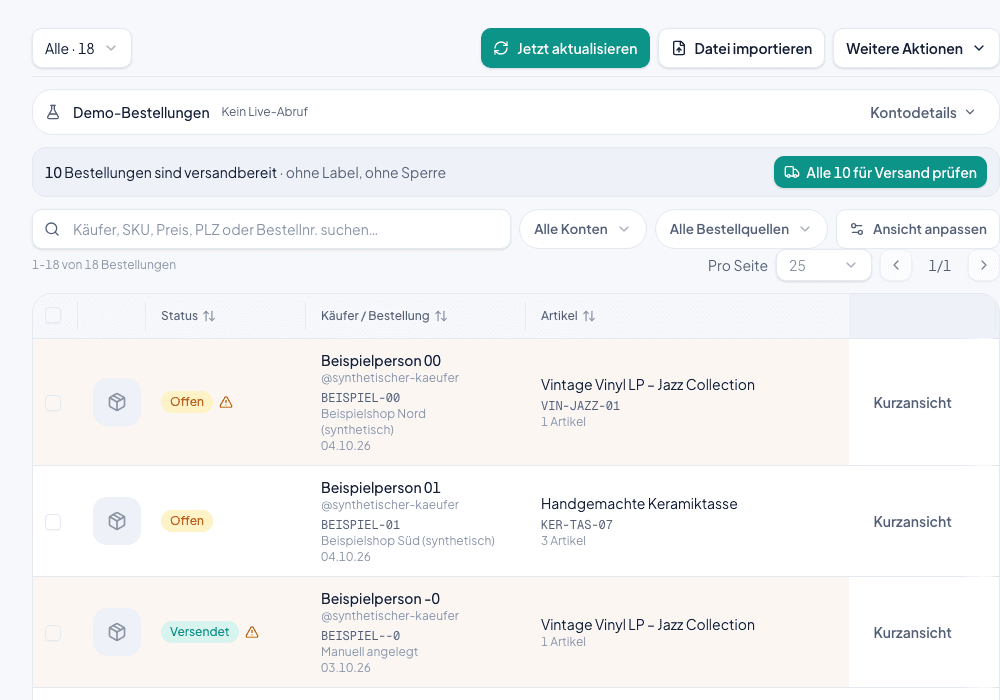
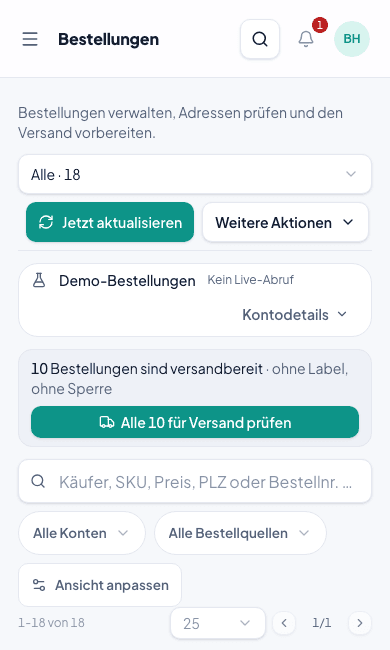
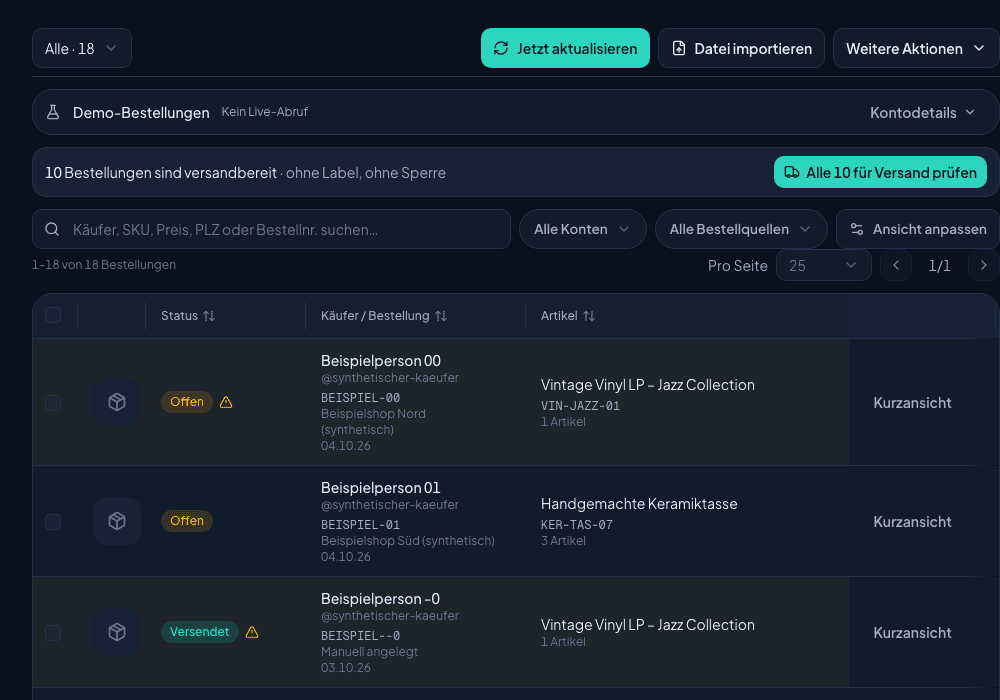
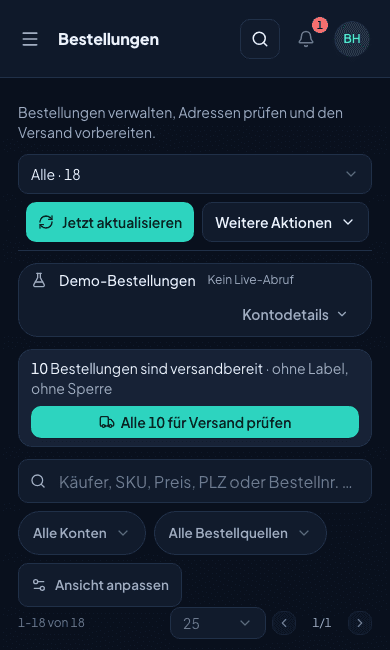
See pricingApp screen · German interface · synthetic sample data
Your own carrier account
A DHL contract or a Deutsche Post Portokasse. The carrier bills postage to you directly.
Every feature in every plan
You only choose by label volume. Accounts, pack mode, messages and stock are always included.
Cancel monthly
You decide after the trial. Admins can export the company data at any time.
One flow for your shipping day. You always see whether the label is created, the parcel is packed or the shipment is confirmed.
Connect your eBay accounts. Orders appear together in one list and stay linked to the right account.
Connect several accountsChoose the orders for a shipping run. Create the labels and print the packing list in exactly the same order.
Create labels in a batchWork through the packing list or scan the shipping label in pack mode. Check the goods and confirm the packed parcel.
See pack modeOnly after you confirm the shipment does Shipnovo report it to eBay, based on your settings. Buying labels and packing stay separate steps.
How shipment reporting worksLabels and packing list come from the same shipping run. Their order is fixed: pack number 1 on the label matches line 1 on the packing list. So you never search for the order that belongs to a parcel.
Packing list guideApp screen · German interface · synthetic sample data
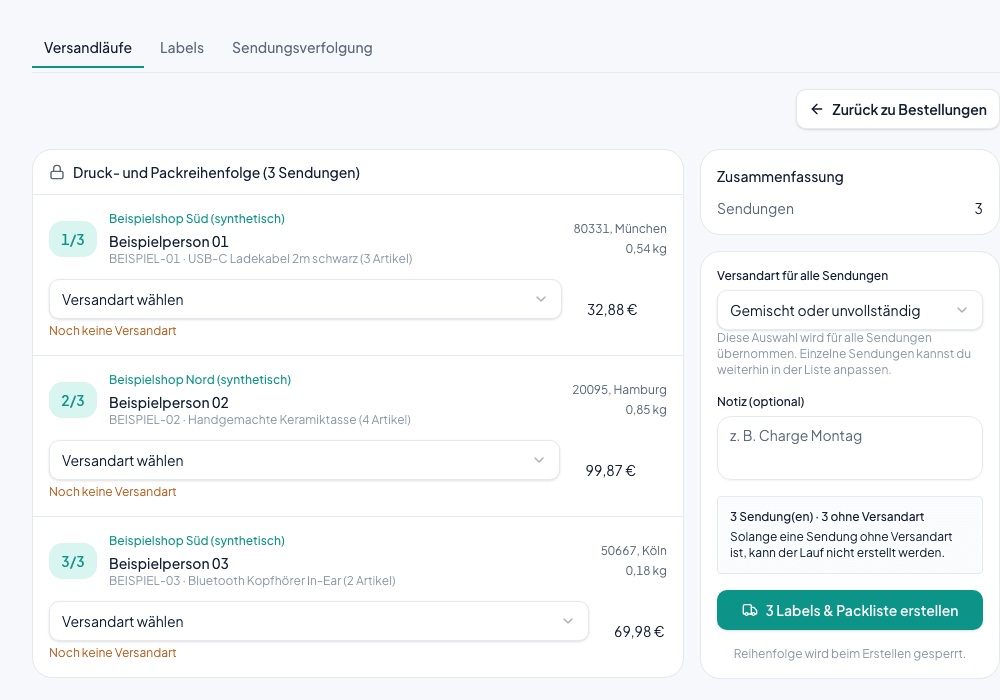
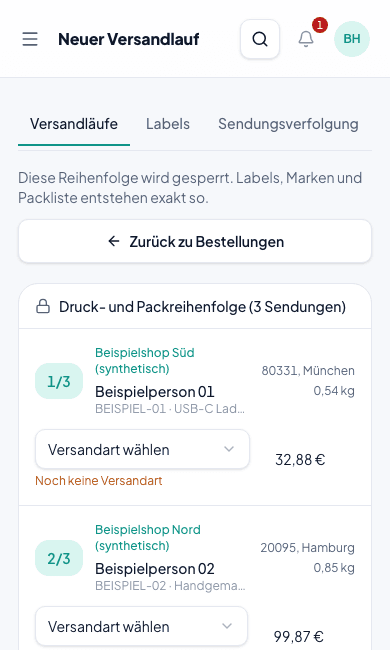
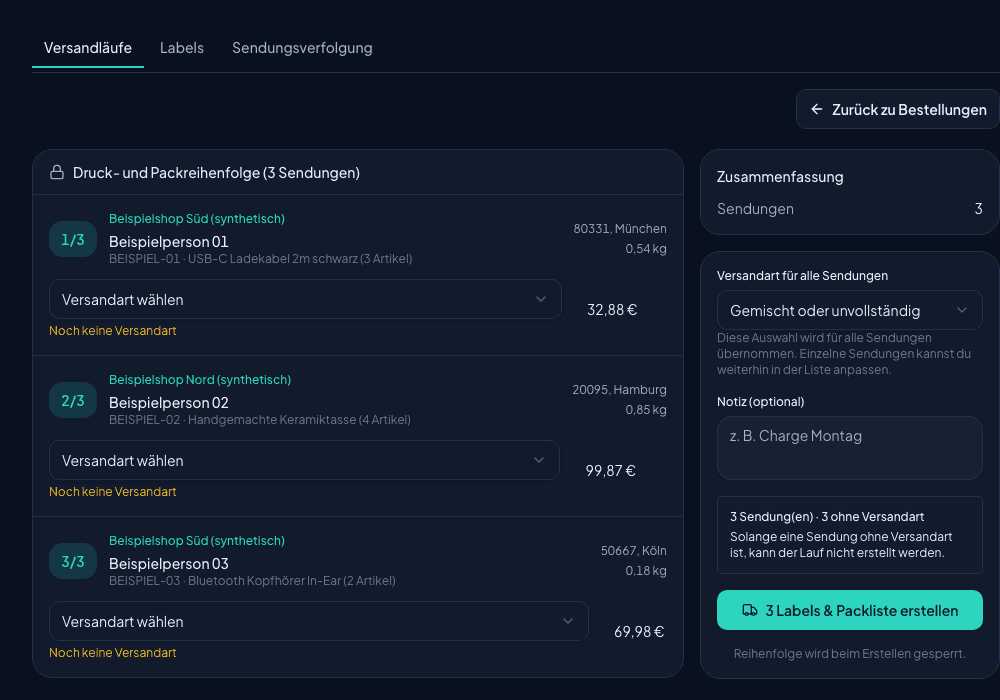
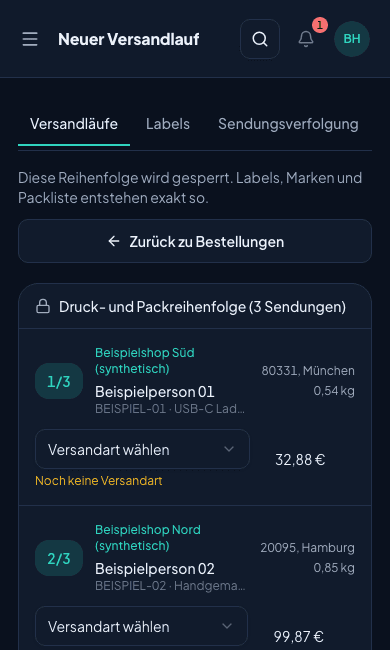
Orders and shipping come first. Packing station, stock and buyer questions sit right next to them.
Filter orders by account and status. Shipment updates go back to the account the order came from.
Set product and print format once. Shipping rules suggest the method by country, order value or eBay account.
Open the shipment with a scan and check items and quantities, at the packing station or on your phone.
Read and answer eBay messages in the right account, with reply templates.
See free and reserved stock, storage locations and items at their minimum stock.
Test saved rules on an order without changing it, and see why a shipping method is chosen.
Find received returns that are not yet resolved and put only confirmed sellable units back into stock.
Upload orders from PDF, Excel or CSV and check data and addresses before the import.
Connect eBay and choose how you ship: DHL for parcels or the Deutsche Post Portokasse for letters and Warensendungen.
Connect your seller account. You can add more accounts later.
See the eBay connectionUse your DHL business customer contract with your own shipping rates.
DHL requirementsPay postage for letters and Warensendungen with your Deutsche Post Portokasse.
About InternetmarkeYou need no connection to look around: the demo uses sample data. Printing tips and step-by-step guides are in the help center.
Try it free for 14 days. Every feature in every plan.
€19.00/ month
Up to 100 new labels a month
Try 14 days free€39.00/ month
Up to 500 new labels a month
Try 14 days free€79.00/ month
Up to 2,000 new labels a month
Try 14 days freeBilled monthly, cancel monthly. Final prices include 19% German VAT. Postage is billed separately.
DHL through your own DHL business customer account and Deutsche Post through your Portokasse. For other carriers you fill in your own PDF templates.
Yes. Every order stays linked to its eBay account, and the tracking number goes back to exactly that account.
Yes. When you create a shipping run, Shipnovo locks the order. Labels and packing list are created in that order, with the same pack number on both.
Yes. You upload orders from other sources as PDF, Excel or CSV. You check the detected data before you confirm the import.
No. Shipnovo runs in the browser, on your phone too. In pack mode, the phone camera scans the shipping label.
Sign up, connect eBay and prepare your first shipping run.