Connect multiple eBay accounts to Shipnovo
Many sellers sell through more than one eBay account. In Shipnovo, connect each account separately. Orders, shipping notifications, and messages stay linked to the account they came from. Every plan includes unlimited eBay accounts.
For existing accounts: Sign in and follow the steps.
Step by step
- 1
Open eBay accounts
Open Settings → eBay accounts. You will see all connected seller accounts and their status.
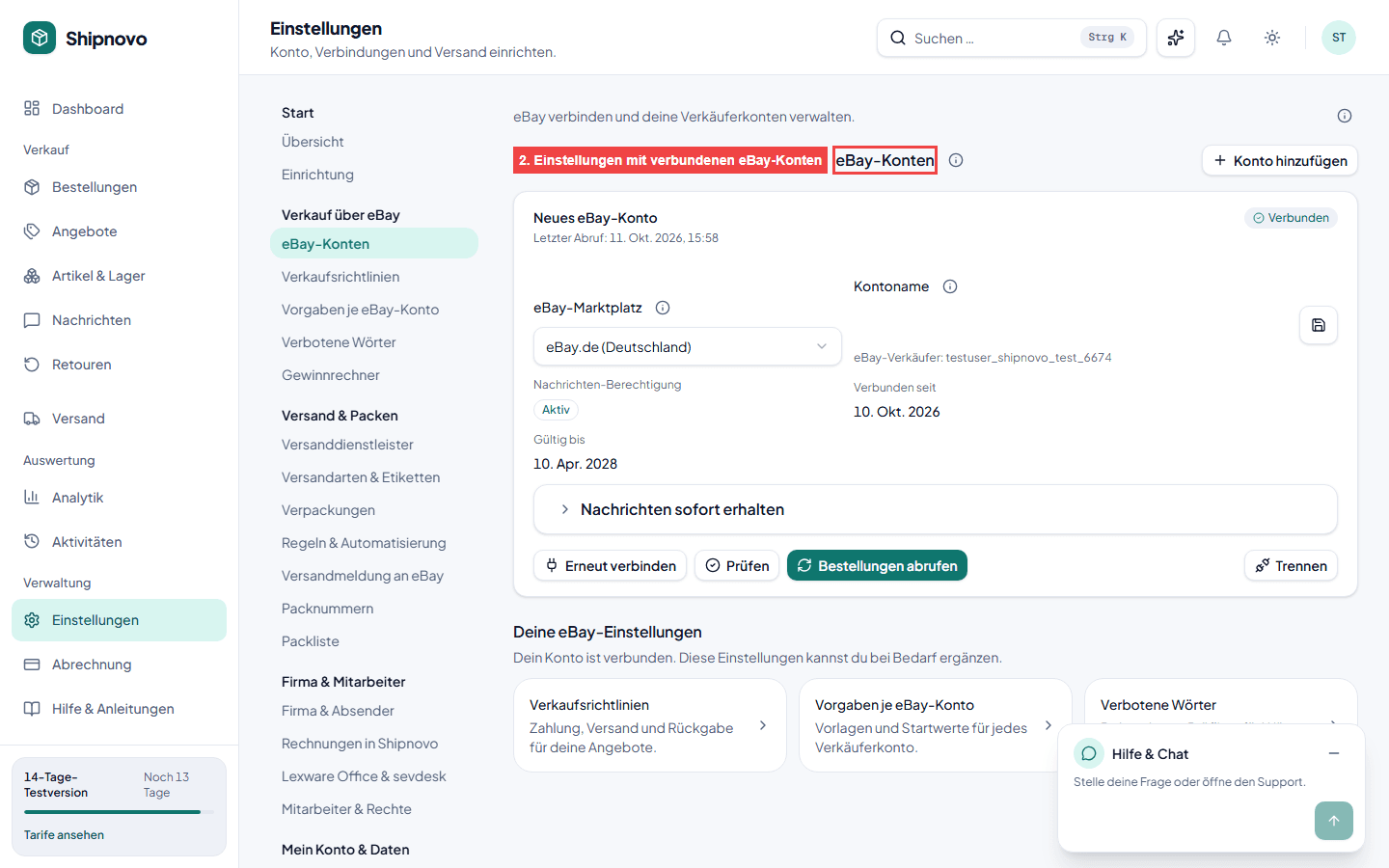
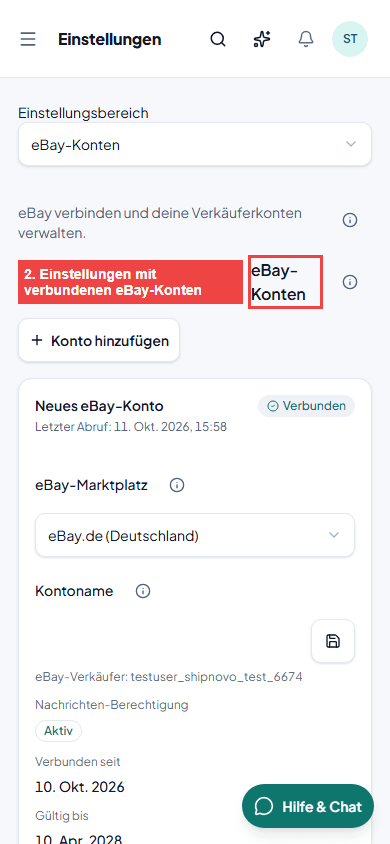
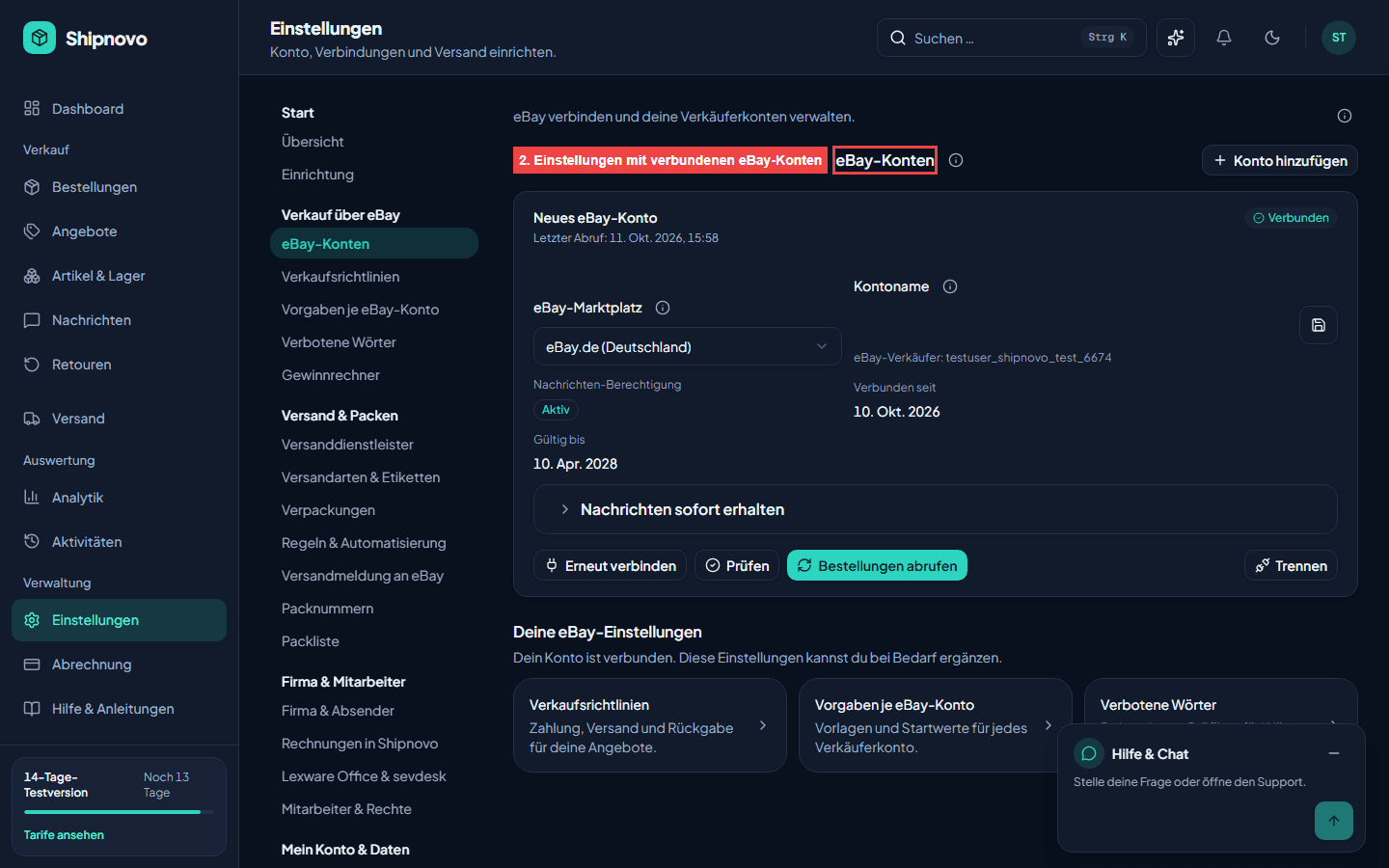
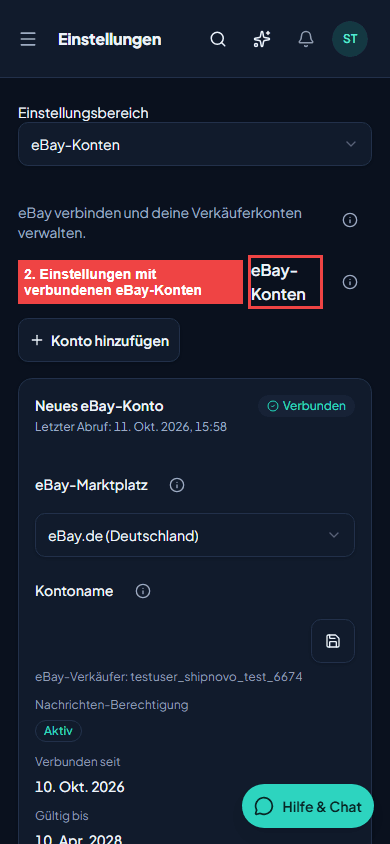
App screenshot with example data - 2
Add an account
Click Add account. Choose the marketplace, such as eBay Germany, then click Connect eBay.
- 3
Sign in and approve access on eBay
eBay opens its sign-in page. Sign in with the seller account you want to connect and approve access. eBay then redirects you back to Shipnovo.
- 4
Name the account
Give the account a name you will recognize at a glance. This helps distinguish accounts in orders, messages, and rules.
- 5
Retrieve orders
Click Retrieve orders to load the account's open orders. Use Check at any time to test whether the connection is still active.
- 6
Connect more accounts
Repeat the steps for each additional account. Sign out of eBay first to avoid accidentally connecting the same account again.
Common questions about this guide
As many as you need. Every plan includes unlimited eBay accounts. Plans differ only in the number of labels per month.
No. Shipnovo detects a seller account that is already connected and rejects the duplicate connection.
Always the account the order came from. This also applies when a shipment contains orders from multiple accounts.
Click Reconnect for the affected account and approve access on eBay again. Until then, Shipnovo cannot retrieve or report data for that account.
Explore related topics
Try Shipnovo with eBay
Free for 14 days. No payment details needed.